Documentation / Error notifications
Error notifications
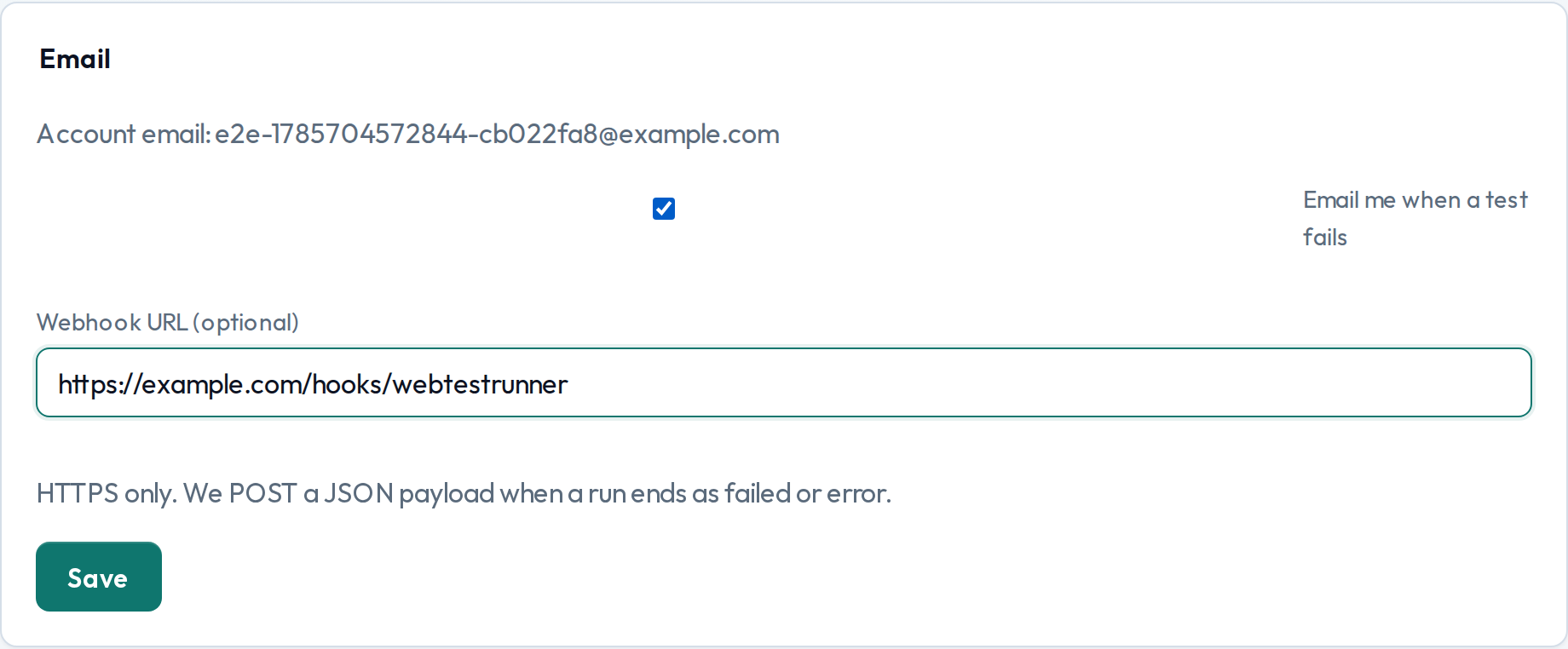
When a test run ends unsuccessfully, WebTestrunner can notify you by email and/or an HTTPS webhook. Configure this once for your account under Settings.
When we notify
Notifications fire when a run finishes with status failed or error. That includes step failures, unexpected runner errors, and runs that time out or get interrupted. Successful (passed) runs do not notify.
Email always goes to your signed-in account address. There is no separate recipient list—check Email me when a test fails to opt in. The message includes the website, test name, status, error summary, and a link back to the test in the dashboard.
Webhook
Provide an https:// URL. On an unsuccessful run, WebTestrunner POSTs a JSON body like:
{
  "event": "test_run.unsuccessful",
  "runId": "…",
  "testId": "…",
  "testName": "Checkout journey",
  "websiteId": "…",
  "websiteName": "Example Shop",
  "status": "failed",
  "errorMessage": "Step #2 (click): …",
  "finishedAt": "2026-08-02T12:00:00.000Z",
  "dashboardUrl": "https://webtestrunner.com/dashboard/…"
}
Leave the field empty to disable webhooks. Non-HTTPS URLs are rejected.